How to Route to Bank
This guide will help you route transactions to a specific bank.
- Navigate to the Settings

2.Navigate to the Smart Routing Tab

-
Press on the Add Rule Button

-
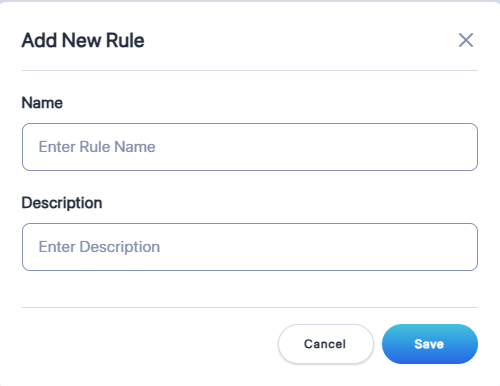
Enter the Name and the Description of the rule
-
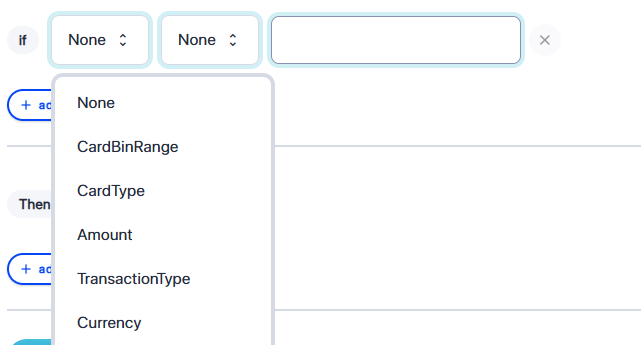
Select the condition e.g. Card Bin Range
-
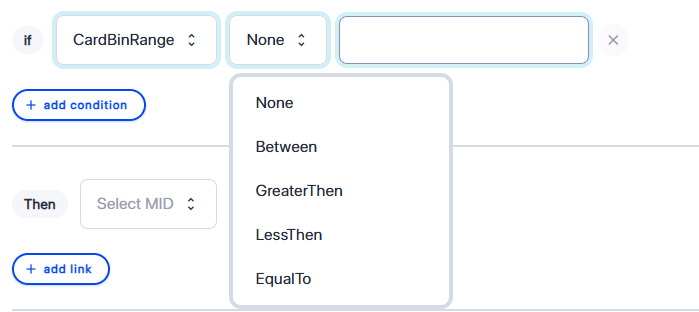
Select the operator e.g. Between
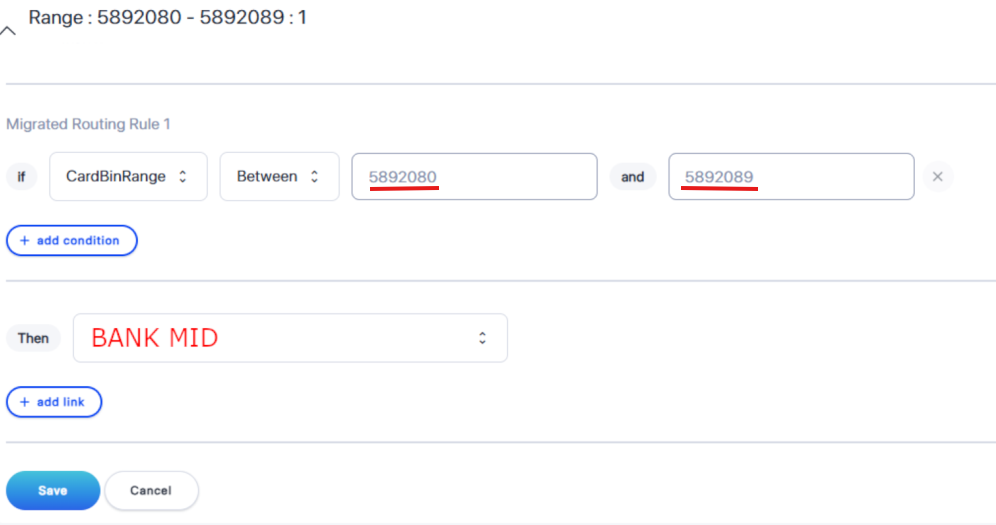
7.Enter the BINs and select the MID to which you would like those BINs to be routed.
N.B.:Please note that you can export the existing rules,

edit them in Excel, and then import the updated rules back into the system.
